
Key facts
Start here
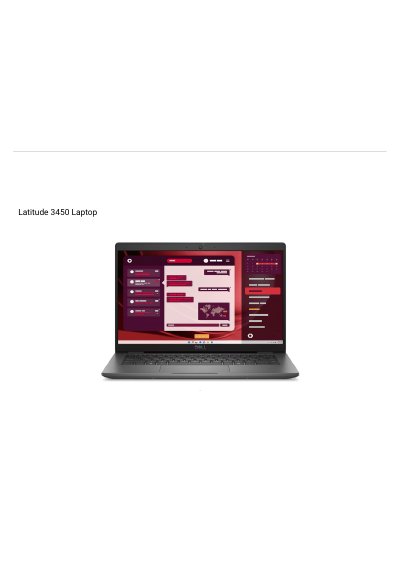
Dell Latitude 3450 Laptop Product Leaflet
The Dell Latitude 3450 is a compact business laptop designed for essential performance, featuring 13th Gen Intel Core U-series processors and optional Intel Core Ultra processors for AI workloads. It is designed for productivity with a Copilot hardware key and a modern charcoal finish.
The device emphasizes connectivity and security, offering Wi-Fi 6E, various port options including USB4, and security features such as Dell SafeBIOS and TPM chip. It also incorporates sustainable materials, including recycled cobalt in batteries and post-consumer recycled plastics.
Dell Latitude 3450 specifications
| Processor | 13th Gen Intel Core i7-1355U (10 cores, up to 5.0 GHz Turbo) |
|---|---|
| Memory | 16 GB DDR5 (upgradable up to 64GB) |
| Storage | 512GB M.2 2230 PCIe Gen 4 NVMe |
| Display | 14.0" FHD (1920x1080) Non-Touch, IPS, 250 nits |
| Battery | 3-cell, 54Wh Battery |
| Weight | 3.30 lb (1.50 kg) |
All Dell Latitude 3450 documents by type
Disassembly, diagnostics and part numbers, for repair.
Questions answered in these manuals
Does the laptop support fast charging?
Yes, it features ExpressCharge, which can charge the battery up to 90% in one hour.
What processor is listed for the Latitude 3450?
The listed configuration has a 13th Gen Intel Core i7-1355U processor.
What tools are required for component removal?
The procedures may require a small flat-blade screwdriver, #0 Phillips screwdriver, #1 Phillips screwdriver, and a small plastic scribe.
How do I ground myself before working inside the computer?
To avoid electrostatic discharge, ground yourself by using a wrist grounding strap or by periodically touching an unpainted metal surface, such as a connector on the back of the computer.