
Dell Photo All-In-One Printer 944 Owner's Manual

Dell™ Photo All-In-One Printer 944 Manual del propietario
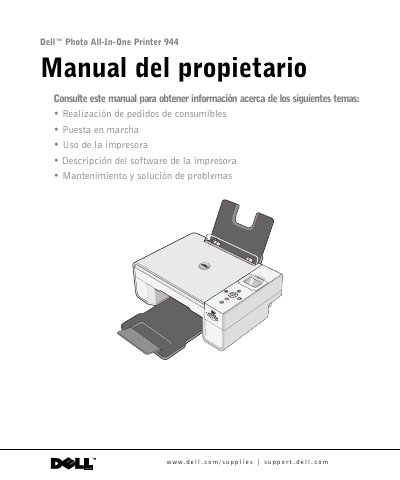

Dell Photo All-In-One Printer 944 Owner's Manual - cover page
Brand
DELL
Category
Printer
Document type
User Manual
Language
Spanish
Pages
120
File format
PDF
File size
3.5 MB
Published
19 November, 2023
Updated
19 November, 2023
MD5 checksum
3CAF045C95A7F6BF65CA101FCC262697

About this manual

This document serves as the owner's manual for the Dell Photo All-In-One Printer 944. It provides comprehensive instructions for ordering supplies, setting up the device, and using its various functions including printing, copying, scanning, and faxing. The guide also details the use of associated software such as Dell Picture Studio and the Ink Management System. This manual is written in Spanish.

What's inside

  • About the Printer
  • Printer Installation
  • Printing Documents
  • Copying Documents
  • Scanning Documents
  • Sending and Receiving Faxes
  • Software Description
  • Cartridge Maintenance
  • Troubleshooting
  • Contact Information

Frequently asked questions

Where can I order Dell printer cartridges?

Dell cartridges are only available through Dell via their website or by phone.

What is the minimum wire gauge required for the modem cable?

The modem cable must have a minimum size of 26 AWG.

What type of power supply should be used to protect the printer?

You should use a surge protector, line conditioner, or uninterruptible power supply (UPS).

Download PDF (3.5 MB)

More DELL Manuals


View all DELL manuals →