
Dell Photo All-In-One Printer 944 User Manual

Dell™ Photo All-In-One Printer 944 User Manual
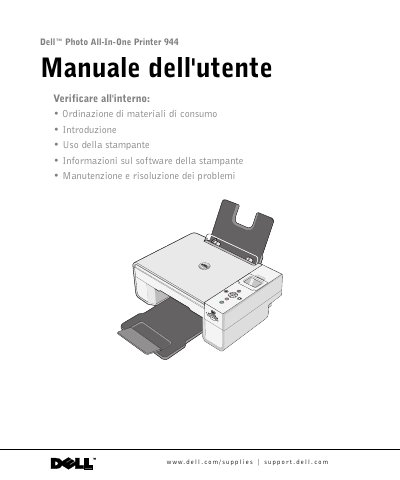

Dell Photo All-In-One Printer 944 User Manual - cover page
Brand
DELL
Category
All-in-one printer
Document type
User Manual
Language
Italian
Pages
108
File format
PDF
File size
3.4 MB
Published
22 November, 2023
Updated
22 November, 2023
MD5 checksum
4524C3629F976F3A7357E9893CDA774D

About this manual

This is the Italian-language user manual for the Dell Photo All-In-One Printer 944. It covers printer parts and setup, language settings, the operator panel, and paper loading.

The manual also explains printing, copying, scanning, faxing, software features, ink cartridge maintenance, troubleshooting, contacting Dell, and appendix information. This manual is written in Italian.

What's inside

  • Ordering supplies
  • Printer information
  • Printing
  • Copying
  • Scanning
  • Faxing
  • Software information
  • Ink cartridge maintenance
  • Troubleshooting
  • Contacting Dell

Frequently asked questions

Where can I buy Dell ink cartridges for this printer?

Dell ink cartridges are available only from Dell, online at www.dell.com/supplies or by telephone.

Which ink cartridge codes are listed for the printer?

The listed cartridges include standard black J5566, standard color J5567, high-capacity black M4640, high-capacity color M4646, and photo ink J4844.

Where should I look for paper jam instructions?

The manual refers users to the User Manual for paper jam instructions.

What safety precautions does the manual mention?

It advises using a surge protector and not using the printer in a damp environment.

Download PDF (3.4 MB)

More DELL Manuals


View all DELL manuals →