
Key facts
Start here
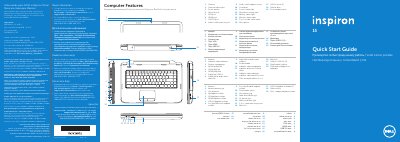
Dell P18F Quick Start Guide for Inspiron M5040/15-N5040/15-N5050/3520
This multilingual quick start guide covers Dell computers with regulatory model P18F, including Inspiron M5040/15-N5040/15-N5050/3520. It lists NOM importer details, input power ratings, and basic setup steps such as connecting the power adapter and pressing the power button.
It also identifies computer features and function keys, explains wireless status indicators, and shows where to record the Windows password and service tag. Support contact information and links to additional Dell documentation are included. This manual is written in Spanish.
Dell P18F specifications
| Regulatory model | P18F |
|---|---|
| Type | P18F001; P18F002; P18F003; P18F004 |
| Computer model | Inspiron M5040/15-N5040/15-N5050/3520 |
| Input voltage | 100 to 240 VAC |
| Input current (maximum) | 1.50 A/1.60 A/1.70 A |
| Input frequency | 50 to 60 Hz |
Source: Dell P18F Quick Start Guide for Inspiron M5040/15-N5040/15-N5050/3520
All Dell P18F documents by type
The shortest path to a working setup, usually only a few pages.
Questions answered in these manuals
What is the regulatory model number?
The regulatory model number is P18F.
From: Dell P18F Quick Start Guide for Inspiron M5040/15-N5040/15-N5050/3520
Which computer models does this guide cover?
It covers Inspiron M5040/15-N5040/15-N5050/3520.
From: Dell P18F Quick Start Guide for Inspiron M5040/15-N5040/15-N5050/3520
Where can I find detailed information about features and advanced options?
Click Start → All Programs → Dell Help Documentation or go to support.dell.com/manuals.
How do I contact Dell for sales or technical support?
Visit dell.com/ContactDell or call 800-WWW-DELL (800-999-3355) for customers in the United States.