
This is a user manual for a Philips phone, which introduces the basic operating methods and functions of the phone
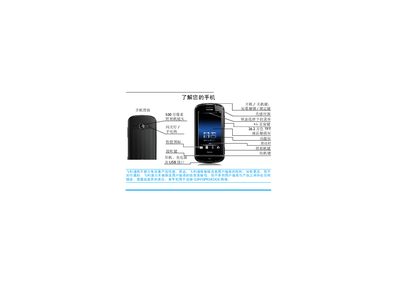
This manual explains how to operate the Philips Xenium 9@9 mobile phone, covering basic functions such as powering on/off, making calls, sending messages, and using the camera and multimedia features. It also details configuration options like screen brightness, sensor settings, and custom shortcut screens.
Additional sections provide instructions for inserting SIM and micro‑SD cards, managing contacts, using Bluetooth, adjusting sound and display settings, and troubleshooting common issues. Warranty and environmental information are included at the end of the document. This manual is written in Chinese.
| Screen type | TFT LCD touchscreen |
|---|---|
| Camera resolution | 5 MP |
Press and hold the power key at the top of the phone.
Press the * key at the top of the phone, or swipe the central circle.
From the standby screen, tap the contact or enter the phone number and press the call button.
Open the status drop‑down menu on the standby screen and tap the flashlight icon.