
This document introduces the features and performance improvements of Philips phones, including the design, operation of function keys, main menu functions, shortcut key settings, and external screen display.
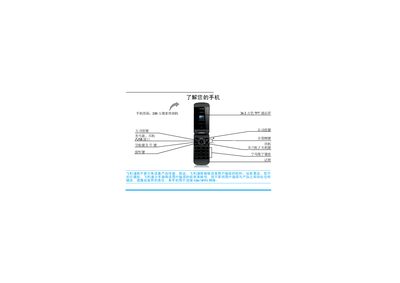
This manual explains how to use a Philips mobile phone, including powering the device on and off, inserting the SIM card, charging the battery, and navigating the dual‑screen interface. It also describes the phone’s built‑in features such as the 2‑megapixel camera, TFT LCD display, and GSM/GPRS network connectivity.
The guide provides step‑by‑step instructions for common tasks like making calls, sending messages, managing contacts, using the browser and media player, and configuring settings such as the clock, ringtone, and shortcut keys. Safety notices, warranty information, and environmental compliance details are also included. This manual is written in Chinese.
| Camera resolution | 2 MP |
|---|---|
| Display colors | 262,000 colors TFT LCD |
| Network support | GSM/GPRS |
Press and hold the power key (marked ) to turn the phone on or off.
Remove the back cover, take out the battery, align the SIM card with the cut corner outward and metal contacts down, then push it into the slot before re‑installing the battery and closing the cover.
Press the volume side key repeatedly to raise or lower the volume while on a call.
If the PIN is entered incorrectly three times, the SIM will be locked and you must obtain a PUK code from your network operator to unlock it.