
This document is a user guide for understanding the use of a mobile phone, which introduces the basic functions of the phone and China Unicom's customized services.
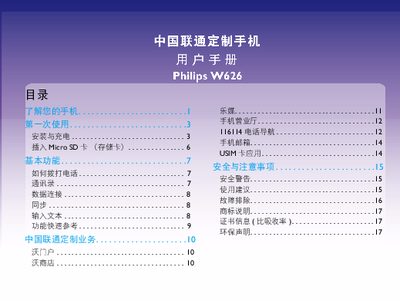
This manual introduces the Philips W626 phone, covering safety warnings, hardware layout, and basic functions such as SIM and battery installation, Micro‑SD card expansion, and key button operations. It also explains how to register the device with Philips support and how to charge the battery safely.
The guide details everyday usage including making calls, managing contacts, adjusting screen brightness, and troubleshooting common issues like network loss, battery drain, and charging problems. Safety and environmental compliance information, such as SAR limits and RoHS compliance, are also provided. This manual is written in Chinese.
| SAR (Specific Absorption Rate) | 0.489 W/kg |
|---|---|
| SIM slot 1 network support | WCDMA 3G |
| SIM slot 2 network support | GSM 2G |
Press and hold the power key to turn the phone on; to power off, long‑press the power key, select the menu option and tap “关机”.
Remove the battery cover, then insert the SIM card into slot 1 for 3G (WCDMA) networks or slot 2 for 2G GSM networks.
Reduce screen brightness, disable automatic network searching, and keep the battery sufficiently charged.