
This document describes the one-key operations of an external display without opening the flip. The external display can show the local time, missed calls, new messages, and to-do tasks in the calendar. In different modes, pressing the keys allows access to different functions. During an incoming call, the keys can be used to mute the ringtone or reject the call. During a call, the keys can adjust the volume. During music/radio playback, the keys can be used to search for songs or channels and adjust the volume. When the alarm sounds, the keys can interrupt or stop the ringing.
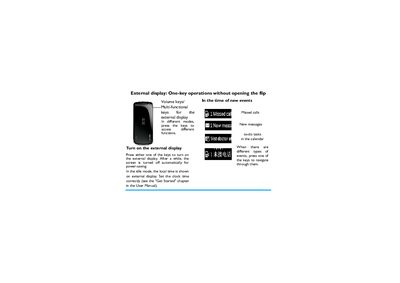
The manual describes the external display features of Philips phones, including one‑key operations to turn the display on, view missed calls, messages, calendar tasks, and the current time. It explains how to navigate the display using the volume and multifunction keys, and notes that the screen powers off automatically to save energy.
It also covers call handling (muting, rejecting, and adjusting volume), music/radio playback controls, and alarm functions, providing step‑by‑step key presses for each action.
Short press either one of the keys.
Long press either one of the keys.