
This is a reference manual for the TX6n/5n/4n models, which provides information on product setup, controls and connectors, panel operations, signal paths, and calibration.
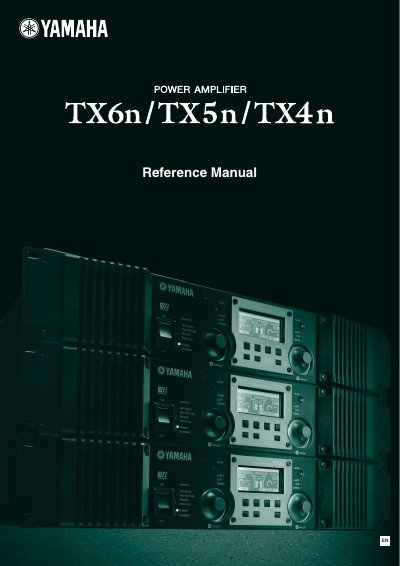
The document serves as a comprehensive guide for the Yamaha TX6n, TX5n, and TX4n power amplifiers. It details front and rear panel controls, including indicators for protection, mute, and signal status, as well as functions like bridge and parallel modes.
The manual explains how to navigate the LCD display screens to adjust parameters such as attenuation, input/output levels, EQ settings, and scene management. It also covers system connections, including EtherSound and CobraNet, and provides troubleshooting information for alert messages.
The speaker output will be attenuated if the heat sink exceeds 80°C, and muted if it exceeds 90°C.
Hold down the [HOME] button for three seconds or longer, then press [ENTER] to confirm.
It lights red when the protection system is active due to overheating, short circuits, DC output, or power supply malfunctions.