
Key facts
Start here
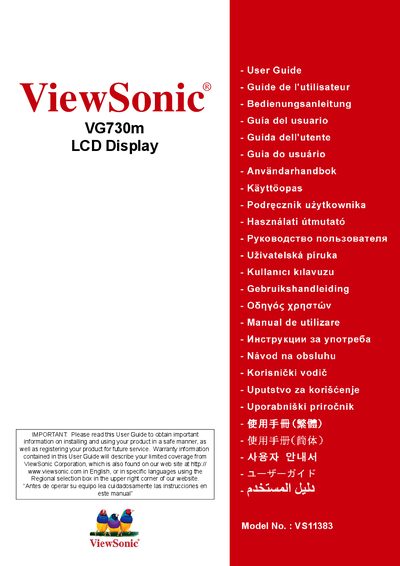
ViewSonic VG730m LCD Display User Manual
This user guide covers everything needed to install, operate, and maintain the ViewSonic VG730m 17" LCD display. It begins with safety warnings, compliance details, and a quick start section that lists the package contents and basic connection instructions.
Later sections describe how to adjust screen settings, mount the display, clean the panel, and register the product for warranty support. The manual also includes regulatory compliance statements for FCC, CE, and RoHS, as well as contact information for service centers in Mexico and the United States.
ViewSonic VG730M specifications
| Screen size | 17 inches |
|---|---|
| Maximum resolution | 1280 x 1024 |
| Input signal type | RGB analog (0.7/1.0 Vp‑p, 75 Ω) |
| Power supply voltage | 100‑240 VAC, 50‑60 Hz |
| Weight | 10.8 lb (4.9 kg) |
| Physical dimensions (W×D×H) | 386.8 mm × 474.2 mm × 230 mm |
All ViewSonic VG730M documents by type
Day-to-day operation, settings and troubleshooting. Start here if the product is already set up.
Questions answered in these manuals
How can I register my VG730m display for warranty?
You can register the product online at www.viewsonic.com or use the ViewSonic Wizard CD‑ROM to print the registration form.
How do I connect the power and video cables?
Connect the power cord and the video cable as shown in the quick‑installation steps, then turn on the monitor and the computer.
How can I lock or unlock the monitor’s OSD menu?
Press and hold the [1] button together with the up‑arrow for about 10 seconds to lock the menu; repeat the same combination to unlock it.