
This document is the user guide for ViewSonic E71f monitor, which introduces the use of the monitor, installation method, function setting and other information.
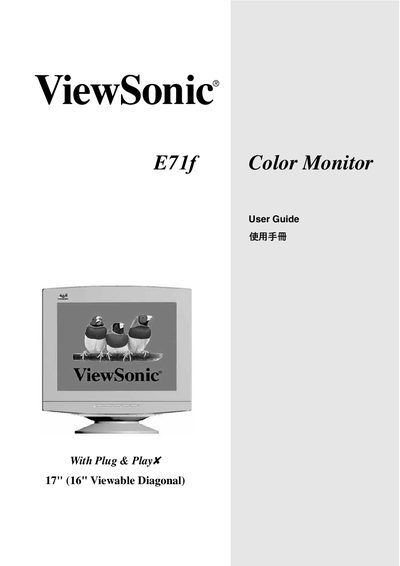
This guide covers the basic installation of the ViewSonic E71f 17" (16" viewable) color monitor, including power‑cord selection for different regions, safety warnings, and FCC/CE compliance. It also explains how to connect the monitor to a PC using the appropriate video interface and how to secure the grounding of the appliance.
The on‑screen display (OSD) menu lets you adjust contrast, brightness, de‑gauss the screen, and select user‑defined colour settings. Detailed instructions for navigating the Main Menu, using the Contrast/Brightness controls, performing a Degauss, and configuring the User Color options are provided.
| Screen size | 17" (16" viewable diagonal) |
|---|---|
| Resolution | 1024 x 768 @ 75 Hz |
Select the Contrast/Brightness item in the OSD Main Menu and use the controls to set the desired levels.
Choose the Degauss function from the OSD menu to remove magnetic distortion from the screen.
Use a NEMA 5‑15 style (A2) cord that is UL‑listed; for desk‑mounted units SVT or SJT cords are recommended.
The appliance must be earthed and wired according to the colour‑code instructions to avoid electric shock.