
The manual provides operating instructions for the Sony DCR-TRV480E camcorder, covering setup, recording, playback, menus, and troubleshooting.
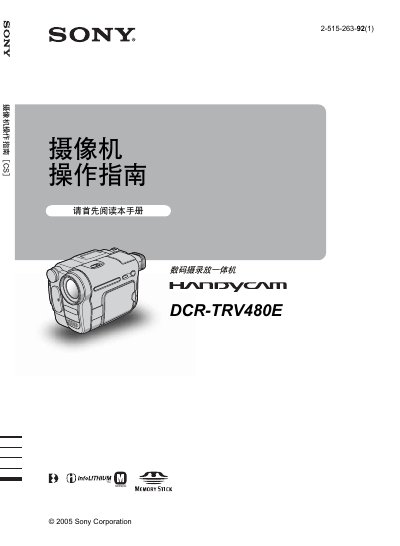
This operation guide explains how to use the Sony DCR-TRV480E camcorder. It includes quick‑start steps, detailed instructions for shooting animation and still images, menu navigation, and advanced features such as NightShot plus and Easy Handycam.
Safety warnings, battery handling, and connection guidelines are provided, followed by a full specification table and a troubleshooting section to help resolve common issues. This manual is written in Chinese.
| Total pixel count | ≈ 540,000 pixels |
|---|---|
| Effective still image pixels | ≈ 350,000 pixels |
| Lens type | Motorized zoom lens |
| Filter diameter | 37 mm |
| Focal length range | 2.5 mm – 50 mm |
| Minimum illumination | 4 lx (F 1.6) |
| Video signal format | PAL |
| Audio signal level | 327 mV |
| USB connector | Mini‑B type |
Press the REC START/STOP button to begin recording.
Select the menu option and follow step 5 to set the date and time.
Use a USB or i.LINK cable, making sure the connector is inserted in the correct orientation.