
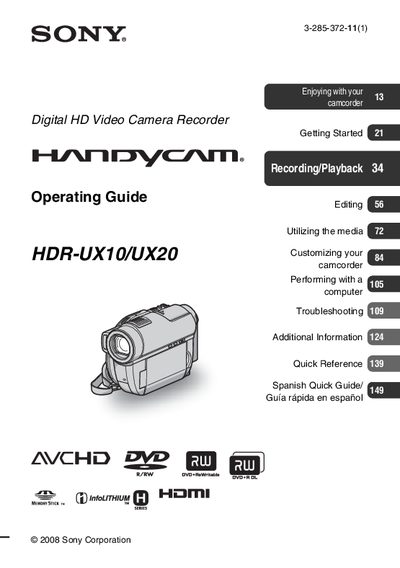
This guide covers important safety safeguards, power‑source requirements, and proper handling of the camcorder to prevent electric shock, fire, or damage. It also explains how to protect the device during lightning storms and what to do if it becomes wet or damaged.
The manual details supported media types, including 8 cm DVD‑R/W, DVD+R/W, DVD‑R, DVD+R DL discs and Memory Stick PRO Duo or PRO‑HG Duo cards, and provides instructions for recording, playback, menu navigation, and troubleshooting. Additional information such as FCC compliance, recycling of lithium‑ion batteries, and customer support resources are also included.
| Model numbers | HDR-UX10, HDR-UX20 |
|---|---|
| Supported disc formats | 8 cm DVD‑RW, DVD+RW, DVD‑R, DVD+R DL |
| Supported memory cards | Memory Stick PRO Duo, Memory Stick PRO‑HG Duo |
The camcorder supports Memory Stick PRO Duo and Memory Stick PRO‑HG Duo cards.
You can use 8 cm DVD‑RW, DVD+RW, DVD‑R, and DVD+R DL discs.
Unplug the camcorder from the wall outlet and disconnect the antenna or cable system.
Do not expose the unit to rain or moisture and refer to qualified service personnel.