
This document introduces the usage of HDR-UX1/UX1E camera, including the camera's features, operation methods, and precautions.
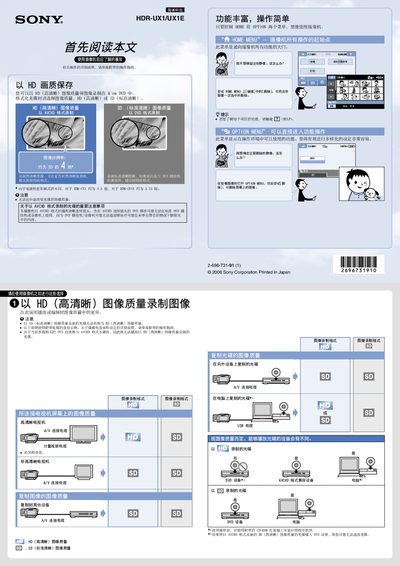
The Sony HDR‑UX1E camcorder records video onto 8 cm DVDs in either HD (high definition) or SD (standard definition) quality. It supports AVCHD, HD, and SD recording formats, and the DVD must be formatted to the desired quality before use.\n\nOperation is centered on two menus – HOME and OPTION – which give access to recording, playback, editing, and deletion functions. You can connect the camcorder to a TV via A/V cable, copy DVDs to a computer, and format discs for repeated use. The manual also notes that recording quality cannot be changed after formatting and that some AVCHD discs may not be compatible with all playback devices. This manual is written in Chinese.
| Recording media | 8 cm DVD |
|---|---|
| Supported recording formats | AVCHD, HD, SD |
| Change recording quality | Not possible after formatting |
Open the OPTION MENU while playing the clip and select Delete, or use the Edit > Delete option in the HOME MENU.
No. The recording quality must be chosen when formatting the disc and cannot be changed mid‑recording.
The camcorder supports recording in AVCHD, HD (high definition), and SD (standard definition) formats.