
This is a user manual for the Digital Paper product.
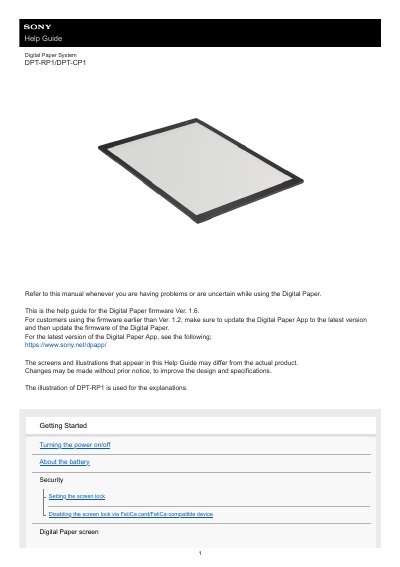
This manual provides step-by-step instructions for using the Sony Digital Paper DPT-RP1/DPT-CP1, including turning power on/off, managing battery life, connecting via Wi-Fi or USB, transferring documents, and using annotation tools. It also covers troubleshooting common issues like screen lock, charging problems, and connectivity errors.
The guide includes detailed specifications for both models, supported file types (PDF 1.7), and system requirements for the Digital Paper App on Windows and macOS. It explains how to calibrate the pen, create notes, and manage documents using the app or directly on the device.
| Dimensions (w/h/d) | DPT-RP1: 224 mm x 302.6 mm x 5.9 mm; DPT-CP1: 174.2 mm x 243.5 mm x 5.9 mm |
|---|---|
| Mass (including battery) | DPT-RP1: 349 g (12.3 oz); DPT-CP1: 240 g (8.5 oz) |
| Battery | Built-in rechargeable battery |
| USB-based charging time | Approx. 3 hours |
| Battery life (continuous use) | Approx. 1 month |
| Operating/charging temperature | 5 °C to 35 °C (41 °F to 95 °F) |
| Supported File Types | PDF (.pdf) compliant with PDF 1.7 specifications |
Press the power button. The charge indicator will blink orange until startup is complete.
It supports PDF (.pdf) files compliant with PDF 1.7 specifications, including forms made on Adobe Acrobat.
Approximately 3 hours using USB or AC adapter.