
Key facts
- Brand
- Samsung
- Model
- SGH-X568
- Category
- Mobilephone Accessories
- Documents
- 2
- Languages
- ZH
- Last added
- 2023-10-20
Start here
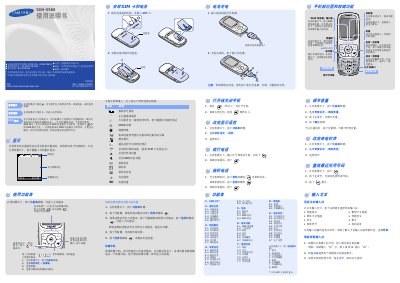
Samsung SGH-X568 Mobile Phone User Manual
User Manual 2 pages · 582 KB · ZH
This document is the user manual for the Samsung SGH-X568 mobile phone. It details how to install the SIM card and battery, turn the device on and off, and navigate the main menu system. The guide covers essential functions such as making calls, managing the phonebook, and setting up sound preferences. This manual is written in Chinese.
Read onlineSamsung SGH-X568 specifications
| Battery Capacity | 800 mAh |
|---|---|
| Talk Time | About 6.3 hours |
| Standby Time | Up to 380 hours |
All Samsung SGH-X568 documents by type
User Manual 1
Day-to-day operation, settings and troubleshooting. Start here if the product is already set up.
Other documents 1
Questions answered in these manuals
How do I activate SOS mode?
Press the volume key four times in a row while the phone is in standby mode with the slide cover closed.
How do I send a short message?
Press the Menu soft key, select Information > Short Message > Send Message, enter the text, and press Send.