
SGH-X568 mobile phone manual, including operating instructions, phone parts diagram, key function introduction, common function introduction and other contents
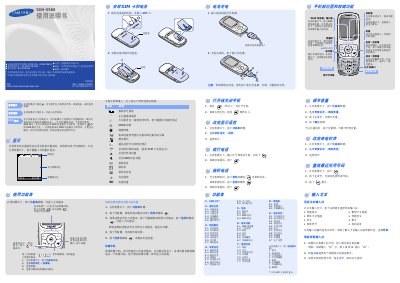
This document is the user manual for the Samsung SGH-X568 mobile phone. It details how to install the SIM card and battery, turn the device on and off, and navigate the main menu system. The guide covers essential functions such as making calls, managing the phonebook, and setting up sound preferences. This manual is written in Chinese.
| Battery Capacity | 800 mAh |
|---|---|
| Talk Time | About 6.3 hours |
| Standby Time | Up to 380 hours |
Press the volume key four times in a row while the phone is in standby mode with the slide cover closed.
Press the Menu soft key, select Information > Short Message > Send Message, enter the text, and press Send.