
Key facts
- Brand
- Samsung
- Model
- SGH-C158
- Category
- Cell Phones
- Industry
- Electronics
- Documents
- 2
- Languages
- ZH
- Last added
- 2012-03-09
Start here
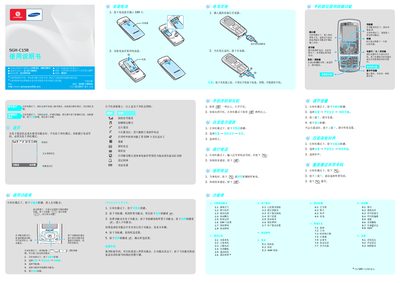
Samsung SGH-C158 Phone User Manual
This manual explains how to operate the SGH-C158 mobile phone, including navigation keys, menu functions, input methods, and shortcuts. It covers basic actions such as making calls, sending messages, using the WAP browser, and accessing various phone services.
The guide also includes safety precautions, battery handling, charging instructions, and information about using Samsung‑approved accessories. Environmental and regulatory details are provided at the end of the document. This manual is written in Chinese.
Samsung SGH-C158 specifications
| Battery type | Standard battery |
|---|---|
| Battery capacity | 800 mAh |
| Talk time | ≈ 3.3 hours |
| Standby time | ≈ 210–350 hours |
All Samsung SGH-C158 documents by type
Day-to-day operation, settings and troubleshooting. Start here if the product is already set up.
Questions answered in these manuals
How do I enable silent mode on the SGH-C158?
Press and hold the designated key to enter silent mode; press it again to exit.
How do I turn off the phone?
In standby mode, press and hold the power key for more than two seconds.
How do I turn the SGH-C158 on and off?
Press and hold the power key for more than one second to turn it on; in standby mode, press and hold it for more than two seconds to turn it off.
How do I lock and unlock the keypad?
In standby mode, press and hold the key to lock the keyboard; to unlock, press the unlock soft key and then that key.