
Key facts
- Brand
- Samsung
- Model
- 988MBplus
- Category
- Monitors
- Industry
- Electronics
- Documents
- 2
- Languages
- ZH · EN
- Last added
- 2026-11-06
Start here
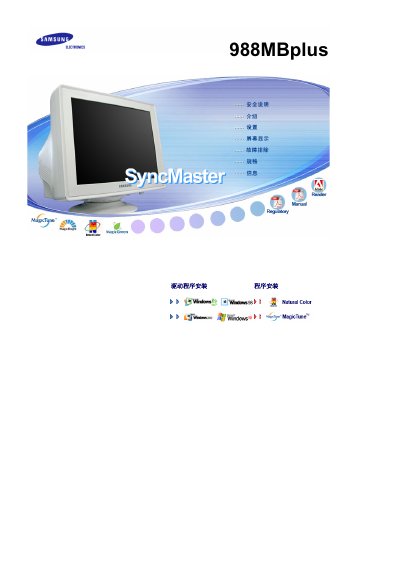
Samsung 988MBplus Monitor User Manual
This is the Chinese-language user manual for the Samsung 988MBplus monitor. It opens with a symbol key and detailed safety warnings about power connection, grounding, installation location, ventilation, cleaning the cabinet and CRT surface, and handling the monitor during moves, followed by an unpacking checklist listing the monitor and stand, manual, quick installation guide, warranty card (not available in all regions) and cables.
The manual then describes the front panel buttons (MENU, adjustment buttons, power button and power indicator) and the rear panel, and includes instructions for installing the MagicTune software, whose supported operating systems are listed as Windows 98 SE, Me, 2000, XP Home Edition and XP Professional, along with an explanation of MagicTune OSD mode. The last pages list Samsung service contact addresses for various countries. This manual is written in Chinese.
Samsung 988MBplus specifications
| Recommended clearance from wall | More than 10 cm (4 inches) |
|---|---|
| Detergent dilution for cleaning | 1:10 with water |
| Supported operating systems (MagicTune) | Windows 98 SE, Windows Me, Windows 2000, Windows XP Home Edition, Windows XP Professional |
All Samsung 988MBplus documents by type
Day-to-day operation, settings and troubleshooting. Start here if the product is already set up.
Questions answered in these manuals
How far should the Samsung 988MBplus be placed from the wall?
Leave a gap of more than 10 cm (4 inches) between the monitor and the wall to keep ventilation adequate.
How often should the inside of the monitor be cleaned?
Contact a service or customer service center once a year to clean the inside of the product.
What resolution does the SyncMaster 988MBplus support?
It supports a resolution of 1024 × 768 pixels.
Does the SyncMaster 988MBplus have an ENERGY STAR rating?
Yes, it is ENERGY STAR certified.