
Chinese user manual for the Samsung SGH-C158 mobile phone, covering setup, calls, menus, text input, and features.
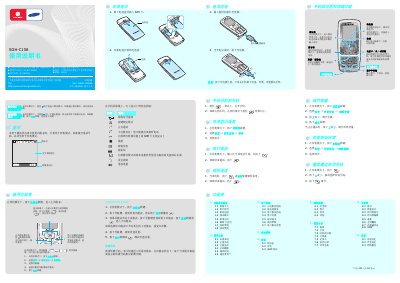
This document is a Chinese-language user manual for the Samsung SGH-C158 mobile phone. It explains status icons, keypad functions, menu navigation, battery installation and charging, volume and ringtone settings, text input methods, and basic call handling.
It also includes a quick-reference table of features such as messaging, phonebook, organizer tools, and settings, with menu paths for each function. This manual is written in Chinese.
Press and hold the power key for more than one second to turn it on; in standby mode, press and hold it for more than two seconds to turn it off.
In standby mode, press and hold the key to lock the keyboard; to unlock, press the unlock soft key and then that key.
In standby mode, press the menu soft key, then select Settings, Phone settings, and Language, and choose a language.
In standby mode, enter the area code and phone number, then press the dial key; press the end key to end the call.