
Key facts
- Brand
- Samsung
- Model
- Galaxy S21 5G
- Category
- Smartphones
- Industry
- Electronics
- Documents
- 2
- Languages
- EN · ZH
- Last added
- 2026-11-15
Start here
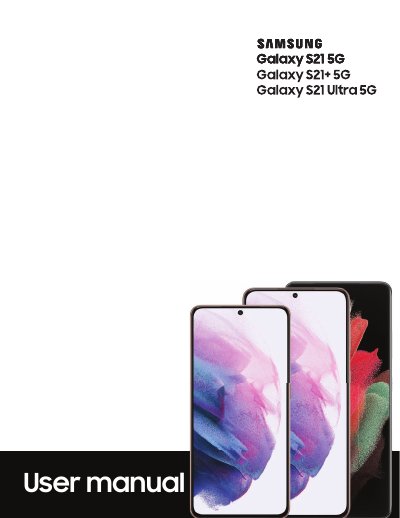
Samsung Galaxy S21 5G User Manual
This user manual covers the Samsung Galaxy S21 5G, Galaxy S21+ 5G, and Galaxy S21 Ultra 5G. It explains device layout, charging, wireless power sharing, initial setup, navigation, and everyday use of features such as the camera, gallery, S Pen, Bixby, biometric security, and mobile continuity.
The manual also documents Samsung, Google, and Microsoft apps, connection settings including Wi-Fi, Bluetooth, NFC, and mobile networks, customization and security options, account management, backup and restore, accessibility features, and legal information.
Samsung Galaxy S21 5G specifications
| Water and dust resistance rating | IP68 |
|---|---|
| Charging connector | USB Type-C |
| SIM card type | nano-SIM |
| Wireless power sharing minimum battery | 30% |
| Water resistance test depth | deeper than 1.5 meters |
| Water resistance test duration | more than 30 minutes |
All Samsung Galaxy S21 5G documents by type
Day-to-day operation, settings and troubleshooting. Start here if the product is already set up.
Questions answered in these manuals
What charger should be used for the Galaxy S21 5G?
Use only Samsung-approved chargers and cables, as incompatible, worn, or damaged batteries, chargers, or cables may cause damage and may void the warranty.
How does wireless power sharing work?
Turn on Wireless power sharing in Battery settings, then place the compatible device face down on the back of the phone. A notification sound or vibration occurs when charging begins.
What is the model number of this Samsung device?
The model number is SM-G9910.
What is the maximum depth for submersion in water for this device?
The device can be submerged up to 1.5 m.