
Key facts
- Brand
- Samsung
- Model
- SCH-S299
- Category
- Cell Phones
- Documents
- 2
- Languages
- ZH
- Last added
- 2023-11-03
Start here
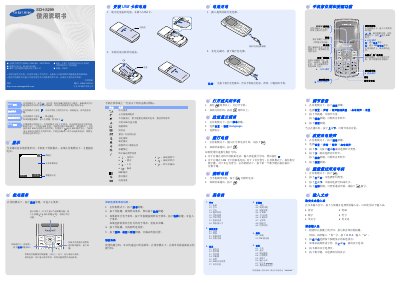
Samsung SCH-S299 User Manual
This is the Chinese user manual for the Samsung SCH-S299 mobile phone, printed in China in July 2007. It explains how to install the UIM card and battery, charge the battery, and turn the phone on or off.
The manual describes the phone's keys and display icons, then covers making and answering calls, adjusting volume, changing ringtones, redialing, using menus and shortcuts, entering text, and using features such as SMS, SOS messages, calendar, alarms, games, FM radio, and device settings. This manual is written in Chinese.
All Samsung SCH-S299 documents by type
Day-to-day operation, settings and troubleshooting. Start here if the product is already set up.
Questions answered in these manuals
How do I turn the Samsung SCH-S299 on or off?
Press and hold the power key for more than two seconds to turn the phone on or off.
What is the default phone password?
The default phone password is "00000000".
How do I install the UIM card and battery?
Remove the battery cover and battery, insert the UIM card, then reinstall the battery and cover.
How do I change the display language?
In standby mode, press the menu soft key, select Settings → Language /Language, then choose the desired language.