
This is the user manual of Samsung SGH-C158 mobile phone
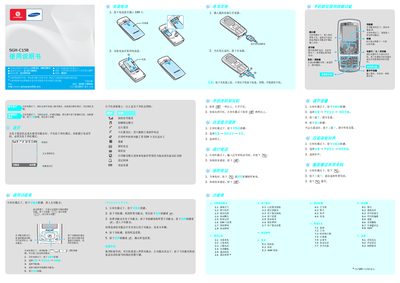
This manual explains how to operate the SGH-C158 mobile phone, including navigation keys, menu functions, input methods, and shortcuts. It covers basic actions such as making calls, sending messages, using the WAP browser, and accessing various phone services.
The guide also includes safety precautions, battery handling, charging instructions, and information about using Samsung‑approved accessories. Environmental and regulatory details are provided at the end of the document. This manual is written in Chinese.
| Battery type | Standard battery |
|---|---|
| Battery capacity | 800 mAh |
| Talk time | ≈ 3.3 hours |
| Standby time | ≈ 210–350 hours |
Press and hold the designated key to enter silent mode; press it again to exit.
In standby mode, press and hold the power key for more than two seconds.
Connect the charger, remove it after the battery is fully charged, and never remove the battery while the charger is still connected.