
Key facts
Start here
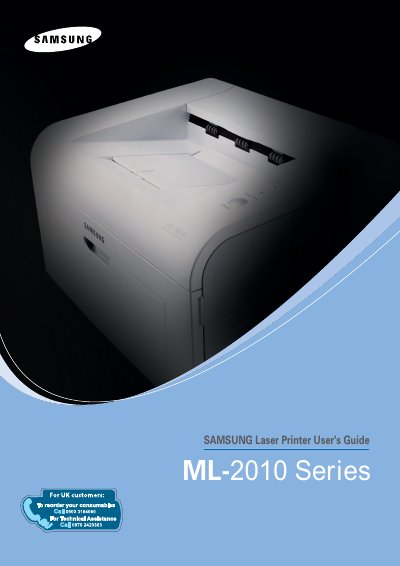
Samsung ML-2010 Series Laser Printer User's Guide
This User's Guide provides the information needed to set up the Samsung ML-2010 Series laser printer, with detailed instructions for using, maintaining and troubleshooting it. A second section, the Software User's Guide, covers installing the supplied software and using its features.
The guide includes safety precautions and laser safety information, chapters on setting up the printer and using print materials such as plain paper, envelopes, labels and transparencies, maintenance procedures for the toner cartridge, a troubleshooting chapter covering paper jams and print quality problems, and printer and paper specifications.
Samsung ML-2010 Series specifications
| Paper weight (tray) | 16~24 lbs (60~90 g/m2) bond |
|---|---|
| Paper weight (manual tray) | 16~43 lbs (60~165 g/m2) bond |
| Laser product class | Class I (1) laser product |
All Samsung ML-2010 Series documents by type
Day-to-day operation, settings and troubleshooting. Start here if the product is already set up.
Questions answered in these manuals
What paper weights does the Samsung ML-2010 support?
The tray supports 16~24 lbs (60~90 g/m2) bond paper, and the manual tray supports 16~43 lbs (60~165 g/m2) bond paper.
What print materials can the printer handle?
You can print on a variety of materials such as plain paper, envelopes, labels and transparencies.
What is the maximum print speed of the ML-2010 printer?
The printer can print up to 20 pages per minute on A4 paper and 22 pages per minute on Letter paper.
How do I clear a paper jam?
Open the front cover, gently pull out any jammed paper, and check the paper path for debris; if the paper is stuck in the output area, pull it out carefully.