
User's guide for the Samsung ML-2010 Series laser printer covering setup, printing, maintenance, troubleshooting and specifications.
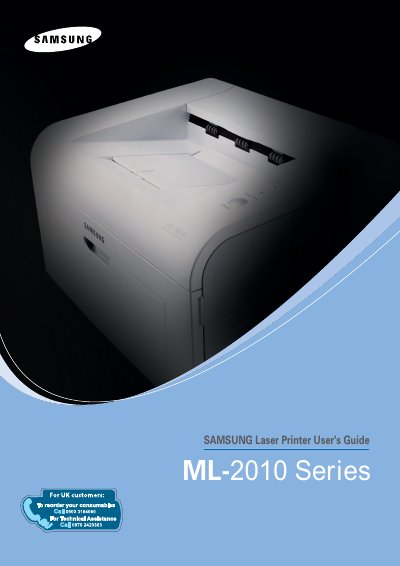
This User's Guide provides the information needed to set up the Samsung ML-2010 Series laser printer, with detailed instructions for using, maintaining and troubleshooting it. A second section, the Software User's Guide, covers installing the supplied software and using its features.
The guide includes safety precautions and laser safety information, chapters on setting up the printer and using print materials such as plain paper, envelopes, labels and transparencies, maintenance procedures for the toner cartridge, a troubleshooting chapter covering paper jams and print quality problems, and printer and paper specifications.
| Paper weight (tray) | 16~24 lbs (60~90 g/m2) bond |
|---|---|
| Paper weight (manual tray) | 16~43 lbs (60~165 g/m2) bond |
| Laser product class | Class I (1) laser product |
The tray supports 16~24 lbs (60~90 g/m2) bond paper, and the manual tray supports 16~43 lbs (60~165 g/m2) bond paper.
You can print on a variety of materials such as plain paper, envelopes, labels and transparencies.
Yes, it is certified as a Class I laser product under DHHS 21 CFR and IEC 825, and Class I laser products are not considered hazardous.
Yes, it contains energy conservation technology that automatically lowers power consumption when it does not receive data for an extended period.