
ML-2010 User Guide, introduces the printer setup, use, maintenance and troubleshooting
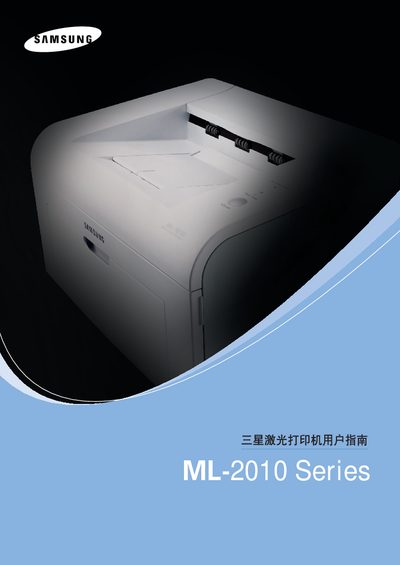
This manual explains how to set up the ML-2010 printer, install the toner cartridge, load paper, and configure the supplied software for Windows, Macintosh, and Linux. It also describes the printer’s control panel, LEDs, and safety precautions to prevent fire, electric shock, and injury.
The guide includes detailed troubleshooting steps for common issues such as paper jams, print quality problems, and error messages, as well as specifications for paper types, weights, and maximum print speeds. Safety and environmental information, including laser safety and ozone emission, are also covered. This manual is written in Chinese.
| Maximum print speed (A4) | 20 pages per minute |
|---|---|
| Maximum print speed (Letter) | 22 pages per minute |
| Supported paper weight (paper tray) | 60–90 g/m² |
| Supported paper weight (manual feed) | 60–165 g/m² |
The printer can print up to 20 pages per minute on A4 paper and 22 pages per minute on Letter paper.
Open the front cover, gently pull out any jammed paper, and check the paper path for debris; if the paper is stuck in the output area, pull it out carefully.