
Samsung Galaxy A52 5G Quick Start Guide

This is a quick start guide for the Samsung Galaxy A52 5G smartphone
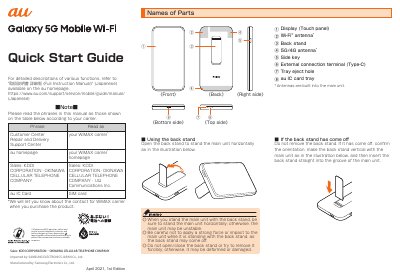

Samsung Galaxy A52 5G Quick Start Guide - cover page
Brand
Samsung
Category
Mobilephone Accessories
Document type
Quick Start Guide
Language
English
Pages
3
File format
PDF
File size
136 KB
Published
13 October, 2023
Updated
13 October, 2023
MD5 checksum
3A614888DC0D0AABA9C231ECF7B0FCEC

About this manual

This Quick Start Guide covers the initial setup process for the Samsung Galaxy A52 5G mobile Wi-Fi device. It includes instructions on attaching the SIM card, turning the power on, and performing initial settings such as selecting the communication mode and setting up Wi-Fi networks. The guide also explains how to switch the display language to English.

What's inside

  • Names of Parts
  • List of Packaged Items
  • Attaching the au IC Card
  • Turning the Power On
  • Making Initial Settings
  • Connecting with Wireless LAN
  • Checking Your Phone Number
  • Communication Modes
  • Switching to English Display
  • For Inquiries

Frequently asked questions

What happens if the display freezes and I cannot turn the power on?

Press and hold the side key for at least 7 seconds to restart the product.

Download PDF (136 KB)

More Samsung Manuals


View all Samsung manuals →