
Key facts
Start here
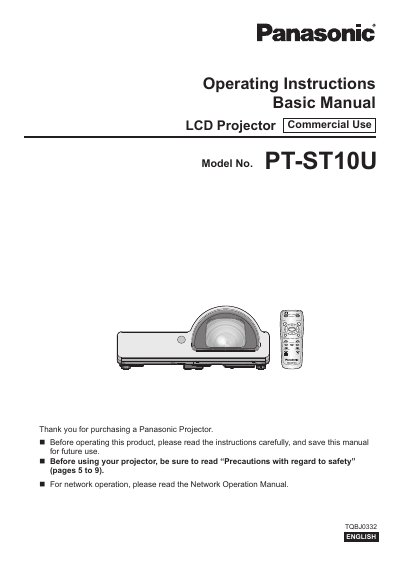
Panasonic PT-ST10U LCD Projector Operating Instructions Basic Manual
This manual provides essential information for operating the Panasonic PT-ST10U LCD projector. It includes detailed safety warnings regarding power supply, ventilation, and lamp disposal, as well as instructions on startup and basic operations.
The guide covers setting up the projector, connecting it to various devices like computers and video sources, and navigating through menu options such as Picture, Position, Language, and Network settings. It also outlines maintenance procedures for the lamp and temperature indicators.
Panasonic PT-ST10U specifications
| Product Type | LCD Projector |
|---|---|
| Usage | Commercial Use |
| Power Supply Voltage | 100 V - 240 V |
| Frequency | 50 Hz/60 Hz |
Source: Panasonic PT-ST10U LCD Projector Operating Instructions Basic Manual
All Panasonic PT-ST10U documents by type
Day-to-day operation, settings and troubleshooting. Start here if the product is already set up.
Questions answered in these manuals
What are the default network settings for this projector?
The factory default settings are DHCP OFF, IP ADDRESS 192.168.10.100, SUBNETMASK 255.255.255.0, and DEFAULT GATEWAY 192.168.10.1.
From: Panasonic PT-ST10E PT-ST10EA PT-ST10U Operating Instructions Network Operation Manual
How do I enable network control from a computer?
Select [NETWORK CONTROL] in the NETWORK menu and set it to [ON].
From: Panasonic PT-ST10E PT-ST10EA PT-ST10U Operating Instructions Network Operation Manual
What is the lamp replacement cycle for this model?
The lamp replacement cycle is approximately 5,000 hours.
From: Panasonic PT-ST10U LCD Projector Operating Instructions Basic Manual
Can I use the supplied power cord for voltages higher than 125V?
No, the accessory cord is only for supplies up to 125 V; a separate 250 V cord is needed for higher voltages.
From: Panasonic PT-ST10U LCD Projector Operating Instructions Basic Manual