
This manual provides information on operating the PT-LB50/55/60 series projectors, including installation, connection, basic operations, and adjustment settings.
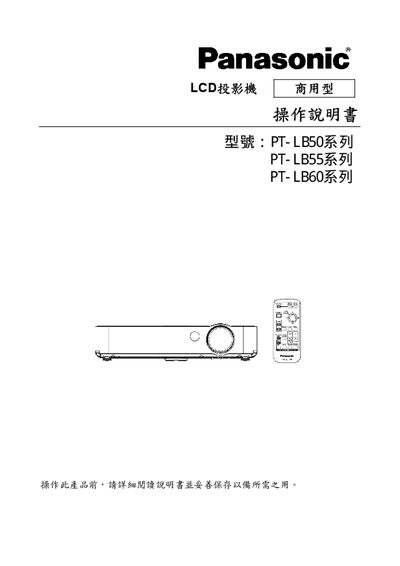
This manual covers important safety information, including grounding requirements and fire‑prevention measures, before the projector is installed. It also explains how to prepare the unit, connect power and RS‑232C interfaces, and perform basic operation such as power on/off, image adjustment, and volume control.
Further sections describe automatic image correction, projection size calculations, lamp maintenance, and troubleshooting tips. The document is intended for end‑users to safely install, operate, and maintain the PT‑LB series LCD projectors. This manual is written in Japanese.
| Supported Interface | RS‑232C |
|---|---|
| Series | PT‑LB50 / PT‑LB55 / PT‑LB60 |
| Grounding Requirement | Must be grounded |
The equipment must be grounded, fire‑hazard precautions must be observed, and the ground pin must not be removed.
Use a cable that includes an RS‑232C interface to connect the projector to the computer.