
Panasonic KX-FLB881 Flatbed Laser All-In-One User Manual

This document describes the features and characteristics of the Panasonic KX-FLB881 laser multifunction printer, including compatibility with caller ID, language selection, and operating instructions.
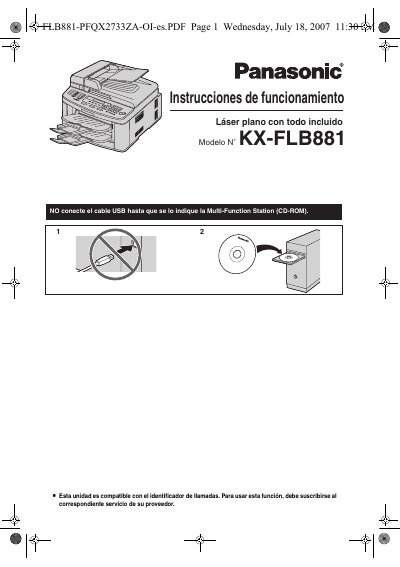

Panasonic KX-FLB881 Flatbed Laser All-In-One User Manual - cover page
Brand
Panasonic
Category
All-in-one printer
Document type
User Manual
Language
English
Pages
104
File format
PDF
File size
7.7 MB
Published
07 August, 2012
Updated
29 September, 2023
MD5 checksum
77355991A72DAD030837EA66FB023E54

About this manual

This manual provides step-by-step instructions for installing, operating, and maintaining the Panasonic KX-FLB881 flatbed laser all-in-one machine. It covers setup, printing, scanning, copying, and faxing functions, as well as troubleshooting and routine care. The document includes detailed sections on toner and drum unit handling, environmental considerations, and programming features. It also explains how to use the unit’s multi-function capabilities, including Caller ID and network connectivity.

What's inside

  • Introduction and Installation
  • Preparation
  • Printer
  • Scanner
  • Copier
  • Fax
  • Caller ID
  • Distinctive Ring
  • Programmable Features
  • Useful Information

Frequently asked questions

What is the model number of this Panasonic device?

The model number is KX-FLB881.

What is the default language setting for the display and reports?

The default setting is English.

What is the toner cartridge model number for replacement?

The replacement toner cartridge model number is KX-FA87/KX-FA85.

What is the recommended toner cartridge and drum unit brand?

Genuine Panasonic toner cartridges and drum units are recommended.

Download PDF (7.7 MB)

More Panasonic Manuals


View all Panasonic manuals →