
This document is the operation guide for the KV-S2065LCN / KV-S2065WCN scanner, which provides information on the operation, installation, maintenance, and troubleshooting of the device.
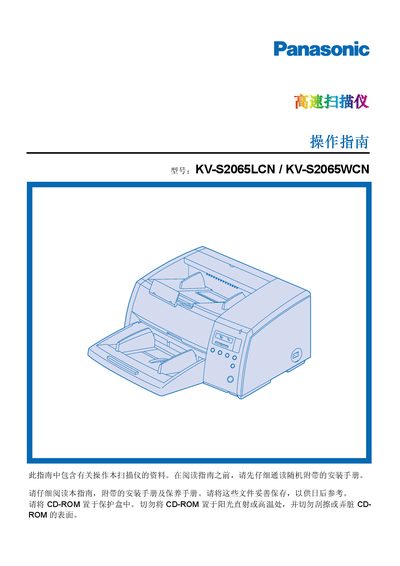
This manual explains how to install, operate, and maintain the Panasonic KV‑S2065LCN and KV‑S2065WCN flatbed scanners. It includes system requirements, connection details, and step‑by‑step instructions for scanning, adjusting settings, and cleaning the scanner components.
Important safety information is highlighted, such as keeping the unit away from rain or moisture, using only the supplied power cord, and following proper cleaning procedures with the provided roller‑cleaning paper. The guide also contains FCC and ENERGY STAR compliance notes and multilingual warnings for users worldwide. This manual is written in Chinese.
| CPU Requirement | Pentium 166 MHz or higher |
|---|---|
| Memory Requirement | 64 MB RAM (recommended 128 MB) |
| Power Fuse Rating | 5 A |
Do not expose the scanner to rain or moisture, use only the supplied power cord, ensure proper grounding, and follow the fire‑hazard warnings provided in the manual.
Use only the supplied roller‑cleaning paper, avoid inhaling the cleaning liquid, keep the paper away from open flames, and store it below 40 °C (104 °F).