
This document provides instructions for operating the KV-S2065L / KV-S2065W scanner, including installation, maintenance, and usage guidelines. The scanner features high-speed scanning, Panasonic Image Enhancement Technology, red and green lamp settings, and aims to meet users' imaging needs.
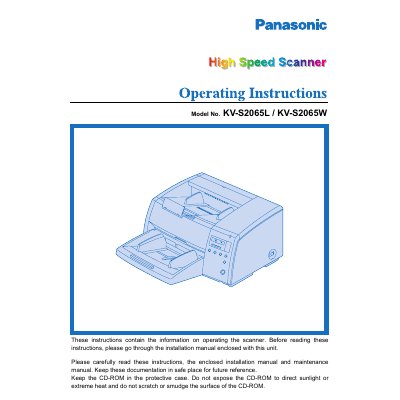
This document provides operating instructions for the Panasonic KV-S2065L and KV-S2065W high-speed scanners. It details system requirements, including CPU, memory, and operating system specifications, as well as safety notices and precautions for use. The manual guides users through component identification, display panel settings, and document loading procedures.
| CPU Requirement | Pentium 166MHZz or higher |
|---|---|
| Memory Requirement | 64 MB or higher |
| Recommended Memory | 128 MB or higher |
| Operating Systems | Windows 95 / 98 / NT / 2000 / Me / XP |
| Recommended SCSI Board | Adaptec SCSI card 2930 / 2940 / 19160 / 29160N Series |
The difference between the KV-S2065L and KV-S2065W is only scanning document size.
The host computer must have a CPU of Pentium 166MHZ or higher, at least 64 MB of RAM, and run Windows 95 through Windows XP.
Users should wear protective gloves, avoid inhaling the fluid which contains isopropyl alcohol, and keep it away from fire.