
OLYMPUS DIGITAL CAMERA Stulus 1000/U1000 Advanced Manual (1)

This is the user manual of Olympus DC-1200L digital camera. It introduces the basic operation methods of the camera, including preparing the battery, turning on the camera, setting the date and time, selecting a language, taking a picture, and reviewing photos.
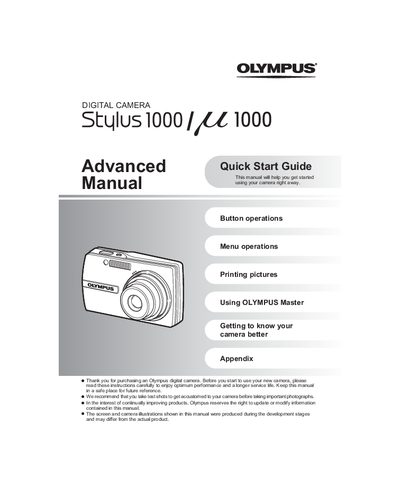

OLYMPUS DIGITAL CAMERA Stulus 1000/U1000 Advanced Manual (1) - cover page
Brand
Olympus
Category
Digital cameras
Document type
Quick Start Guide
Language
English
Pages
80
File format
PDF
File size
7.8 MB
Published
08 June, 2012
Updated
30 September, 2023
Model
U1000
MD5 checksum
4E17441C2C01A7CB14B269DCBA54F8B3

About this manual

The document serves as an advanced quick start guide for the Olympus Stylus 1000 / 22 1000 digital cameras. It instructs users on setting up the battery and date/time, operating the mode dial to switch between still picture, movie, and playback modes, and using the power button.

What's inside

  • Button operations
  • Menu operations
  • Printing pictures
  • Using OLYMPUS Master
  • Getting to know your camera better
  • Appendix

Frequently asked questions

How long does it take to charge the battery?

The charging time is approximately 2 hours.

What happens when you press the POWER button once again?

Pressing the POWER button once again turns off the camera.

Download PDF (7.8 MB)

More Olympus Manuals


View all Olympus manuals →