
Key facts
- Brand
- Olympus
- Model
- FE-360
- Category
- Digital cameras
- Industry
- Electronics
- Documents
- 3
- Languages
- EN · ZH
- Last added
- 2012-06-08
Start here
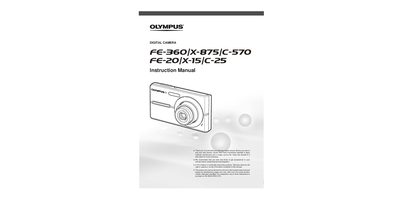
Olympus FE-360 Digital Camera Instruction Manual
This document is the official user instruction manual for the Olympus FE-360 digital camera. It provides guidance on preparing the device, including battery installation and card usage, before taking test shots to get accustomed to the camera.
The guide details three types of setting operations: using direct buttons, the arrow pad, and the MENU button. It covers shooting functions such as scene modes, face detection, and panorama, as well as playback features like slideshow, printing via PictBridge, and image resizing.
Olympus FE-360 specifications
| Effective pixels | 8,000,000 pixels |
|---|---|
| Shutter speed range | 4 s to 1/2000 s |
| Weight (FE‑360 / X‑875 / C‑570) | 99 g (without battery and card) |
Source: OLYMPUS digital cameraFE-360/X-875/C-570 FE-20/X-15/C-25 Manual
All Olympus FE-360 documents by type
Day-to-day operation, settings and troubleshooting. Start here if the product is already set up.
Questions answered in these manuals
What is recommended before taking important photographs?
We recommend that you take test shots to get accustomed to your camera before taking important Photographs.
How can I access various camera settings?
Various camera setlings can be accessed through the menus, including functions used during Shooting and Playback.
How can I print photos directly from the camera?
Use the Direct Print (PictBridge) function listed on page 34 of the manual.
From: OLYMPUS digital cameraFE-360/X-875/C-570 FE-20/X-15/C-25 Manual
How do I switch to playback mode?
Press the q button (playback) as shown in the playback mode section.
From: OLYMPUS digital cameraFE-360/X-875/C-570 FE-20/X-15/C-25 Manual