
This manual introduces the operation methods of Olympus digital camera, including shooting, playback, deletion, printing, etc.
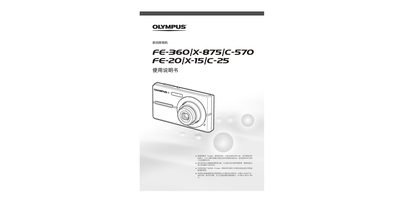
This user manual provides step‑by‑step instructions for operating Olympus digital cameras, covering preparation, shooting, playback, deletion, printing, and advanced settings. It also includes safety information, battery charging procedures, and accessory details.
The guide is organized into sections such as Prepare Camera, Shooting & Playback, Shooting Mode, Shooting Functions, Playback Functions, Menu Index, Printing (PictBridge and DPOF), using Olympus Master 2 software, and an appendix with specifications and index. This manual is written in Chinese.
| Effective pixels | 8,000,000 pixels |
|---|---|
| Shutter speed range | 4 s to 1/2000 s |
| Weight (FE‑360 / X‑875 / C‑570) | 99 g (without battery and card) |
Use the Direct Print (PictBridge) function listed on page 34 of the manual.
Press the q button (playback) as shown in the playback mode section.