
This document is the Olympus digital camera user manual, which mainly introduces the camera's button operation, menu operation, picture printing, picture transfer and camera usage skills.
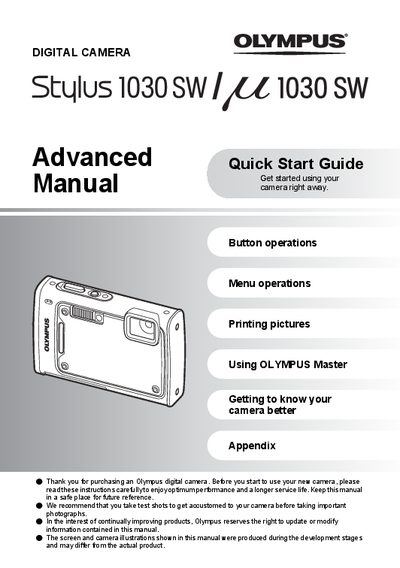
This document serves as an advanced quick start guide for the Olympus 1030SW digital camera. It provides step-by-step instructions on setting up the device, including charging the included LI-50B or LI-50C battery and inserting an optional xD-Picture Card. The guide explains how to turn the camera on, set the date and time, and select shooting modes such as Full Auto, Program Auto, and Scene (SCN).
| Battery Type | LI-50B / LI-50C |
|---|---|
| Memory Card Format | xD-Picture Card |
The box contains a Lithium ion Battery, USB Cable, AV Cable, OLYMPUS Master Software CD-ROM, and a Battery Charger.
The charging time is approximately 2 hours.