
This manual provides installation, setup, and usage instructions for the NETGEAR ReadyNAS OS 6 desktop storage system, including initial configuration via…
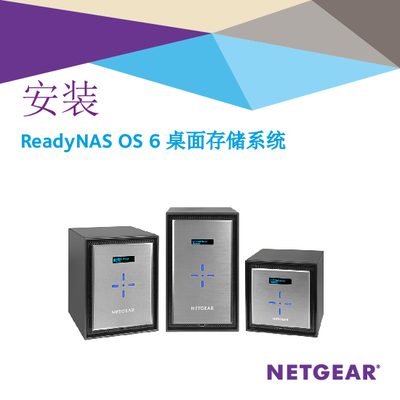
This document serves as a user guide for the NETGEAR ReadyNAS OS 6 desktop storage system. It details the initial setup process, including unpacking the system, installing hard drives, and connecting power and network cables. The guide offers two primary methods for initial configuration: using the Insight mobile app or the ReadyCLOUD web interface. This manual is written in Chinese.
The setup process takes approximately 15 minutes.
Press and hold the Reset button while pressing the Power button, then release Reset when the Disk 1 LED lights up.
You must press the Power button three times to shut down a 4-bay or 6-bay system.