
The Netgear ReadyNAS OS 6 User Manual provides step‑by‑step setup, configuration, and troubleshooting instructions for ReadyNAS devices.
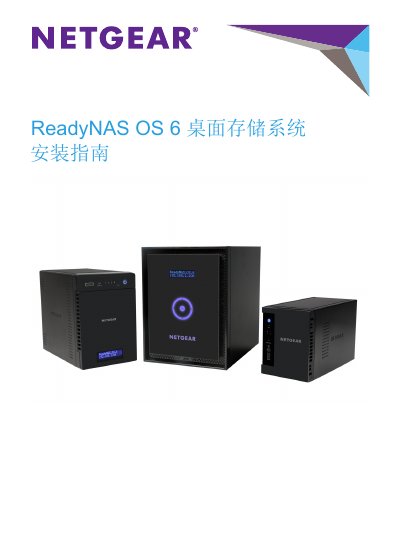
This manual guides users through installing and configuring ReadyNAS OS 6 on Netgear ReadyNAS appliances. It covers both the default ReadyCLOUD cloud‑access setup and an offline (advanced) installation for local network use.
The document also explains how to create or sign in to a ReadyCLOUD account, manage RAID settings, and where to obtain additional help and firmware updates from Netgear support sites.
Select the "Setup with ReadyCLOUD (Default)" option during the installation wizard.
Choose "Offline Installation (Advanced)" to configure the device for use within your home or office network only.
The wizard provides a "Create a ReadyCLOUD Account" step where you can register a new account.
Visit Netgear’s support site at support.netgear.com for documentation, firmware, and troubleshooting assistance.