
Key facts
Start here
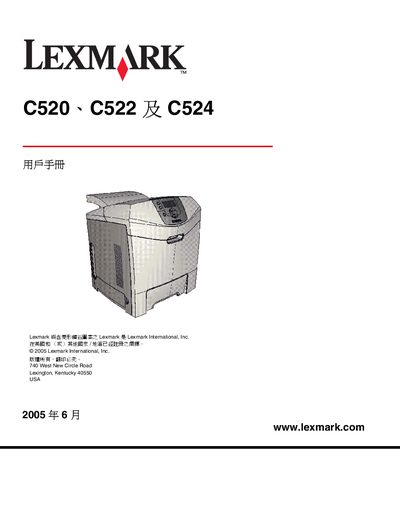
Lexmark C520 C522 C524 User Manual
This manual provides step‑by‑step instructions for installing the printer driver and software on Windows, Macintosh, and UNIX/Linux platforms, configuring network printing, and setting up printer options for the Lexmark C520, C522, and C524 models.
It also covers media handling, loading paper trays, clearing paper jams, routine maintenance, consumable replacement, troubleshooting common issues, and compliance information such as FCC, Industry Canada, and Energy Star certifications. This manual is written in Chinese.
Lexmark C522 specifications
| Standard tray capacity | 250 sheets |
|---|---|
| Optional 500‑sheet drawer | 500 sheets |
| Printing technology | Laser printer |
All Lexmark C522 documents by type
Day-to-day operation, settings and troubleshooting. Start here if the product is already set up.
Questions answered in these manuals
How do I clear a paper jam from the standard tray?
Open the standard tray (Tray 1), locate the jammed paper, gently pull it out, and then close the tray before resuming printing.
How do I cancel a print job from the printer’s operation panel?
Select the Cancel function on the printer’s operation panel to stop the current job.
How do I install the optional 500‑page feeder?
Insert the 500‑page feeder into the printer as described in the installation chapter and secure it with the provided latch.
How do I install the printer driver on Windows?
Use the installation chapter that lists supported Windows versions (Windows 95, 98, 2000, XP, Server 2003, etc.) and follow the on‑screen prompts.
How can I set up network printing?
Configure the printer’s IP address and network settings as described in Chapter 3, which covers network printing setup.
What type of display does the printer have?
It uses a four‑line grayscale display.
From: Lexmark C520/C522/C524 Printer Menu and Information Guide