
Key facts
- Brand
- Lexmark
- Model
- C920
- Documents
- 2
- Languages
- ZH
- Last added
- 2011-11-03
Start here
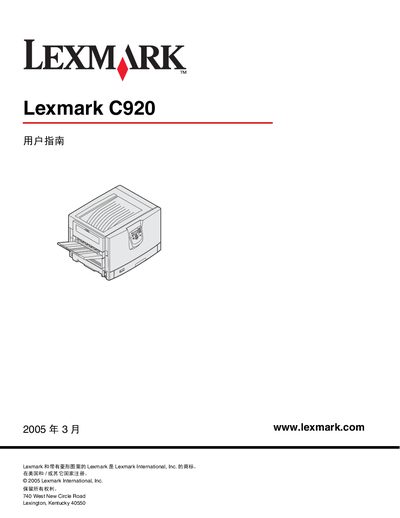
Lexmark C920 Printer User Manual
This manual covers everything you need to know about the Lexmark C920 printer, from understanding the hardware and installing drivers to configuring network printing and using optional accessories. It also includes safety information, media guidelines, and detailed maintenance procedures.
The document is organized into chapters such as Understanding the Printer, Installing Drivers, Network Printing Setup, Media Specifications, Maintenance, Paper Jam Clearing, Management & Support, and Troubleshooting, providing clear step‑by‑step guidance for users and service technicians. This manual is written in Chinese.
Lexmark C920 specifications
| Weight | 77–107 kg (170–235 lb) |
|---|---|
| High‑Capacity Tray Capacity | 3,000 sheets |
| Supported Media Weight Range | 60–176 g/m² (16–47 lb) |
| Recommended Paper Weight | 90 g/m² (24 lb) laser‑toner paper |
| Maximum Fusing Temperature | 230 °C (446 °F) |
Source: Lexmark C920 User Manual
All Lexmark C920 documents by type
Day-to-day operation, settings and troubleshooting. Start here if the product is already set up.
Questions answered in these manuals
How much does the Lexmark C920 printer weigh?
It weighs between 77 and 107 kg (170–235 lb).
How many sheets can the high‑capacity tray hold?
The high‑capacity tray can hold up to 3,000 sheets.
What paper weight is recommended for best print quality?
Use 90 g/m² (24 lb) laser‑toner paper for optimal quality.
From: Lexmark C920 User Manual
How many people are needed to lift the printer?
Four people are required to safely lift the printer.
From: Lexmark C920 User Manual