
Key facts
Start here
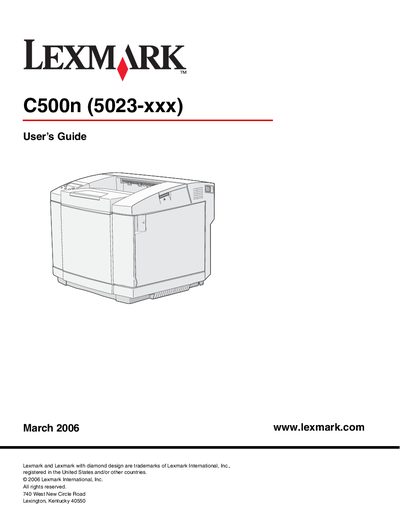
Lexmark C500n User Manual
The C500n is a Lexmark laser printer designed for office environments. The guide covers the basic model, optional 530‑sheet drawer, and the operator panel with its display and navigation buttons.
Installation requirements, media handling, routine maintenance, jam clearing, and troubleshooting steps are detailed in separate chapters, along with specifications for environmental conditions, paper capacities, and supply ordering.
Lexmark C500N specifications
| Weight (with consumables) | ≈ 29 kg |
|---|---|
| Maximum weight (full configuration) | ≈ 35 kg |
| Operating temperature range | 10 °C – 32.5 °C |
| Operating humidity range | 15 % – 80 % |
| Standard tray capacity | 250 sheets |
| Optional drawer capacity | 530 sheets |
Source: Lexmark C500n User Manual
All Lexmark C500N documents by type
Day-to-day operation, settings and troubleshooting. Start here if the product is already set up.
Questions answered in these manuals
What are the acceptable environmental conditions for the Lexmark C500n printer?
The printer can operate at temperatures from 10 °C to 32.5 °C and humidity from 15 % to 80 % (recommended 17.5 °C‑27 °C, 15 %‑80 %).
How do I stop a print job on the Lexmark C500n?
Press the Stop button; the display shows “Stopping” and the status line changes to “Stopped”.
How many people are needed to lift the printer?
At least two people are required to safely lift the printer.
What paper weight is recommended for best print quality?
Use 90 g/m² (24 lb) laser copy paper for optimal quality.