
This document is the user manual for C520, C522 and C524, mainly introduces the features and characteristics of the products.
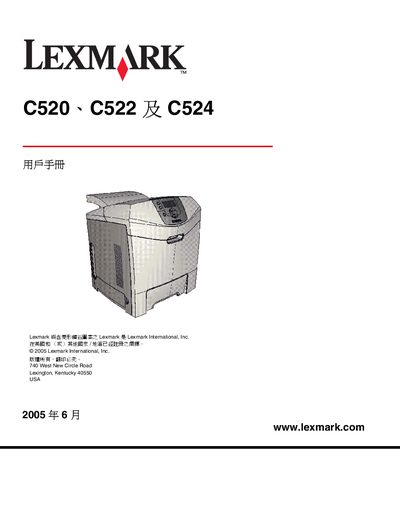
This manual provides step‑by‑step instructions for installing the printer driver and software on Windows, Macintosh, and UNIX/Linux platforms, configuring network printing, and setting up printer options for the Lexmark C520, C522, and C524 models.
It also covers media handling, loading paper trays, clearing paper jams, routine maintenance, consumable replacement, troubleshooting common issues, and compliance information such as FCC, Industry Canada, and Energy Star certifications. This manual is written in Chinese.
| Optional 500‑sheet tray | Available as optional accessory |
|---|---|
| Energy Star compliance | Compliant |
| FCC compliance | Compliant |
| Standard paper tray | Manual feed |
Use the installation chapter that lists supported Windows versions (Windows 95, 98, 2000, XP, Server 2003, etc.) and follow the on‑screen prompts.
Configure the printer’s IP address and network settings as described in Chapter 3, which covers network printing setup.
Refer to Chapter 7 for detailed paper‑jam clearing procedures, including how to remove jammed sheets from the various trays.
The manual explains ordering and replacing the photoconductor (感光鼓) and toner components, with step‑by‑step instructions for safe removal and installation.