
Key facts
Start here
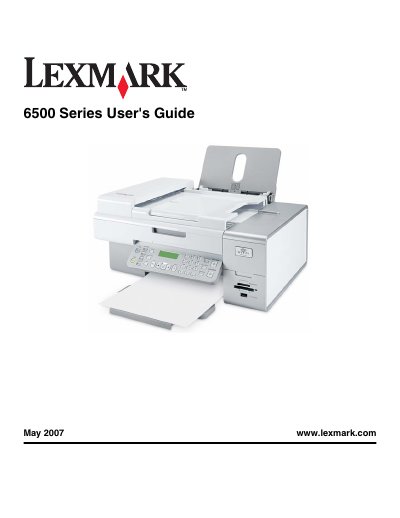
Lexmark 6500 Series User Manual
This guide covers safety information, installation steps, and basic operation of the Lexmark 6500 Series printer, including wiring, network configuration, and loading media. Detailed instructions are provided for printing, scanning, copying, and faxing functions.
Additional sections address maintenance tasks, cartridge handling, and troubleshooting common issues such as paper jams, print quality problems, and wireless connectivity errors.
All Lexmark 6500 Series documents by type
Day-to-day operation, settings and troubleshooting. Start here if the product is already set up.
Questions answered in these manuals
What power supply should be used with the printer?
Use only the power supply and power supply cord provided with the product or an authorized replacement.
Can the fax feature be used during a lightning storm?
No, the fax feature must not be used during a lightning storm.
What power cable should be used with the printer?
Only use the power cord supplied with the product or a manufacturer‑approved replacement.
How do I replace the ink cartridge?
Remove the old ink cartridge and install a new original Lexmark cartridge.