
Key facts
Start here
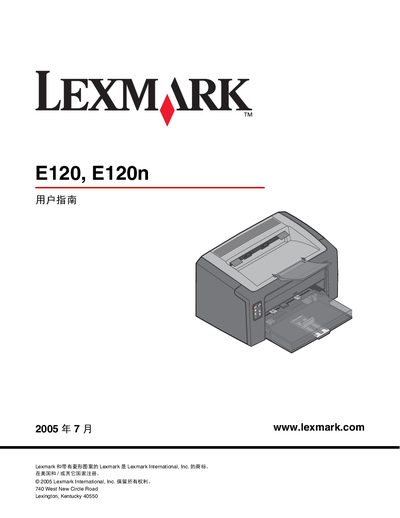
Lexmark E120 and E120n User Manual
This manual describes the Lexmark E120 (basic) and E120n (network) laser printers, covering hardware features such as the 150‑page primary tray, USB and Ethernet interfaces, indicator lights, and control buttons. It explains how to load various media types, adjust settings, and use the printer’s web interface.
The guide also details consumable replacement (toner, drum), common error conditions, print‑quality troubleshooting, safety warnings, and warranty information, helping users keep the printers running reliably.
Lexmark E120N specifications
| Print speed | up to 20 pages per minute |
|---|---|
| Memory | 16 MB |
| Automatic loading capacity | up to 150 sheets |
| Connectivity | USB 2.0, Ethernet 10/100 Base‑TX |
| Dimensions | 9.8" H × 15.3" W × 14.6" D |
| Weight | 15.2 lb (6.9 kg) |
All Lexmark E120N documents by type
Day-to-day operation, settings and troubleshooting. Start here if the product is already set up.
Questions answered in these manuals
What is the print speed of the Lexmark E120n?
It prints up to 20 pages per minute.
How much memory does the printer have?
The printer includes 16 MB of memory.
How do I reset the printer?
Press and hold the Cancel button until all indicator lights illuminate; the printer will then be reset.
What should I do if the print quality is too light?
Increase the toner concentration setting, use media that meets the printer’s specifications, and replace the toner cartridge if it is low or defective.