
This document provides user guides for Lexmark C520, C522, and C524 printers. It contains information about product features and usage instructions.
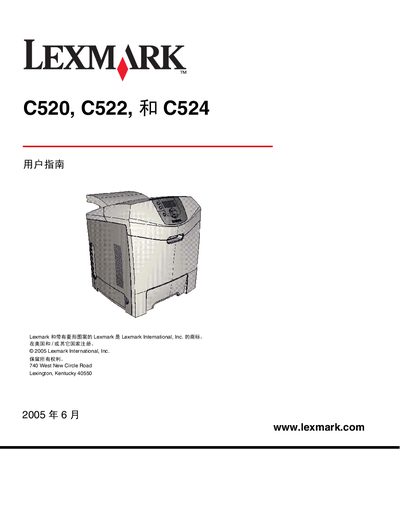
This manual provides step‑by‑step instructions for installing drivers, configuring network settings, and loading media for the Lexmark C520, C522 and C524 laser printers. It also explains how to use the printer’s control panel, set paper types, and manage optional accessories such as the 500‑page feeder.
Additional sections cover routine maintenance, consumable replacement, safety precautions, and detailed troubleshooting for common print quality and paper‑feed issues. The guide includes reference tables for media specifications and a FAQ that answers frequent user questions. This manual is written in Chinese.
| Optional high‑capacity feeder | 500‑page feeder option |
|---|
Select the Cancel function on the printer’s operation panel to stop the current job.
Insert the 500‑page feeder into the printer as described in the installation chapter and secure it with the provided latch.
Use the menu on the operation panel to adjust or disable the power‑saving mode.