
Key facts
Start here
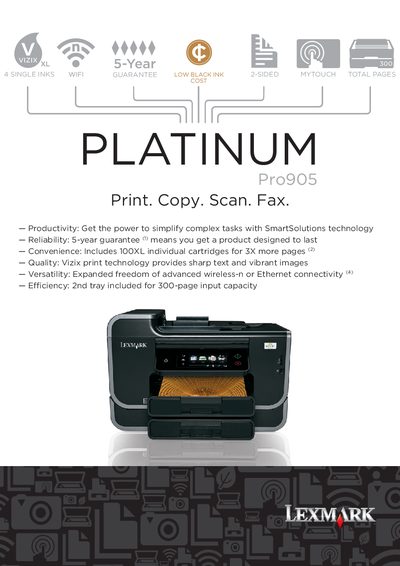
Lexmark Pro905 All-in-One Printer User Manual
This manual covers the Lexmark Pro905 All-in-One printer, detailing its printing, scanning, copying, and faxing capabilities. It includes information on hardware specifications, connectivity options, and consumable cartridges.
The guide also outlines warranty terms, environmental initiatives, and recommended usage tips to help users achieve optimal performance and cost efficiency.
Lexmark PRO905 specifications
| Print resolution (black) | 2400 × 1200 dpi |
|---|---|
| Print resolution (colour) | 4800 × 1200 dpi |
| Maximum duty cycle | 10 000 pages per month |
| Input paper capacity | 300 pages |
| Duplex printing | Integrated |
| Scanner optical resolution | 1200 × 4800 dpi |
| Power supply | 32 W universal (100‑240 V AC) |
| Weight | 32.01 lb |
All Lexmark PRO905 documents by type
Day-to-day operation, settings and troubleshooting. Start here if the product is already set up.
Questions answered in these manuals
How many sheets can the input tray hold?
The main input tray holds up to 300 sheets of paper.
What connectivity options does the Pro905 provide?
It includes 802.11n wireless, Ethernet, Fast Ethernet, and USB 2.0 Hi‑Speed ports.
How many pages can the input tray hold?
The standard input tray holds up to 300 pages, with an additional 150‑sheet drawer for a total of 300 pages when both trays are used.
What warranty is provided with the printer?
Lexmark includes a 5‑year guarantee with optional extended limited guarantees when registered within 30 days.