
C520, C522, and C524 User's Guide
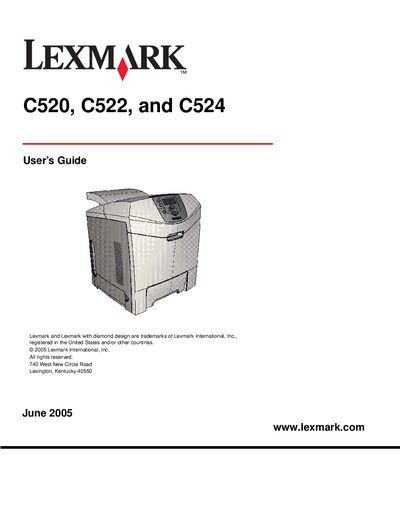
The guide covers the Lexmark C520, C522, and C524 laser printer family, describing their basic features such as a 250‑sheet standard tray, optional 500‑sheet drawer, manual feed slot (C520/C522) or multipurpose feeder (C524), and laser printing technology. It also outlines safety precautions, warranty information, and regulatory compliance.
The manual is organized into chapters on driver installation (local and network), media specifications, loading media, clearing jams, routine maintenance, troubleshooting common problems, administrative functions, and optional accessories such as memory cards and INA cards. Each section provides step‑by‑step procedures and reference tables for quick reference.
| Standard tray capacity | 250 sheets |
|---|---|
| Optional 500‑sheet drawer | 500 sheets |
| Printing technology | Laser printer |
Open the standard tray (Tray 1), locate the jammed paper, gently pull it out, and then close the tray before resuming printing.