
Key facts
Start here
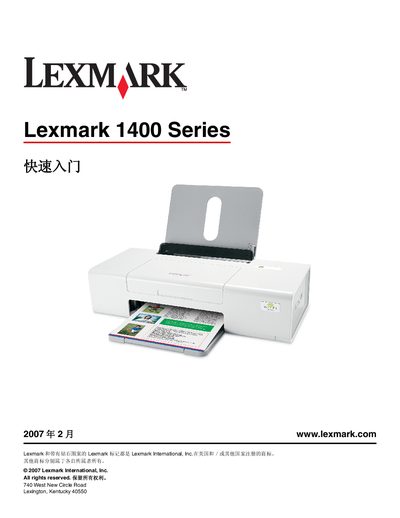
Lexmark 1400 Series Quick Start Guide
This Quick Start Guide walks you through the essential steps to get your Lexmark 1400 Series printer up and running. It covers safety precautions, driver installation on Windows and Macintosh, and how to configure both USB and wireless connections.
The document also includes a network terminology glossary, troubleshooting tips, warranty details, and contact information for technical support, helping users resolve common issues and access additional resources. This manual is written in Chinese.
All Lexmark 1400 Series documents by type
The shortest path to a working setup, usually only a few pages.
Day-to-day operation, settings and troubleshooting. Start here if the product is already set up.
Questions answered in these manuals
How do I install the printer on a Windows computer?
Insert the Windows driver CD, power on the computer, and follow the on‑screen installation prompts.
What wireless network information is required to set up the printer?
You need the network name (SSID) and the security key (WEP/WPA password).
What should I do if the power button does not light up?
Refer to the troubleshooting section, which lists possible causes and steps to resolve a non‑illuminated power button.
Where can I find the limited warranty information for this printer?
The limited warranty statement is included in the manual and also available online via the Lexmark website.
What should I do if the power indicator light does not turn on?
Refer to the troubleshooting section titled "电源指示灯不亮" for steps to resolve the issue.
How do I replace a black or color ink cartridge?
The manual provides instructions under the "更换黑色打印墨盒" and "更换彩色打印墨盒" sections.