
Key facts
Start here
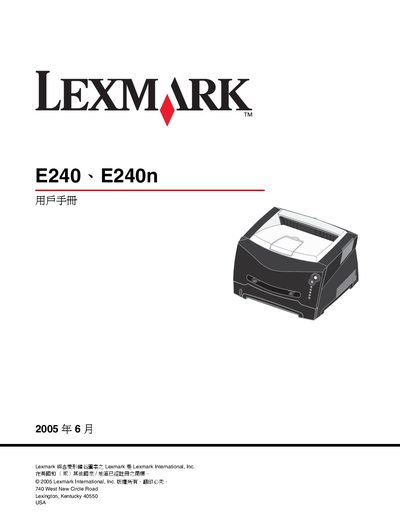
Lexmark E240/E240n User Manual
This manual covers the installation of the Lexmark E240/E240n printer, including hardware setup, network configuration, and driver installation for Windows and Macintosh systems. It also explains how to load paper, select media types, and use advanced printing features such as duplex and N‑up printing.
Safety, regulatory compliance, and energy‑saving information are included. The printer meets FCC Class B, Canadian IC, and European EMC directives. Power‑Saver mode reduces consumption to 7 W after a default 30‑minute idle period, and the laser output is limited to 0.005 W at 77‑79.5 nm wavelength. This manual is written in Chinese.
Lexmark E240N specifications
| Standby (Power‑Saver) power consumption | 7 W |
|---|---|
| Laser output power | 0.005 W |
| Laser wavelength | 77‑79.5 nm |
Source: Lexmark E240/E240n User Manual
All Lexmark E240N documents by type
Day-to-day operation, settings and troubleshooting. Start here if the product is already set up.
Disassembly, diagnostics and part numbers, for repair.
Questions answered in these manuals
Where can I download the complete PDF manual?
You can download the full PDF manual from www.LaserPros.com.
From: Lexmark E238 E240 E240n E340 E342n 4511-000 4511-100 4511-410 4511-600 4511-610 Manual
How can I contact Lexmark for service information?
Contact Lexmark International, Inc. at 740 West New Circle Road, Lexington, Kentucky 40550, U.S.A or email [email protected].
From: Lexmark E238 E240 E240n E340 E342n 4511-000 4511-100 4511-410 4511-600 4511-610 Manual
How long is the limited warranty for this printer?
The limited warranty lasts for 12 months from the date of original purchase.