
Key facts
- Brand
- Lexmark
- Model
- E450DN
- Documents
- 3
- Languages
- ZH
- Last added
- 2011-12-29
Start here
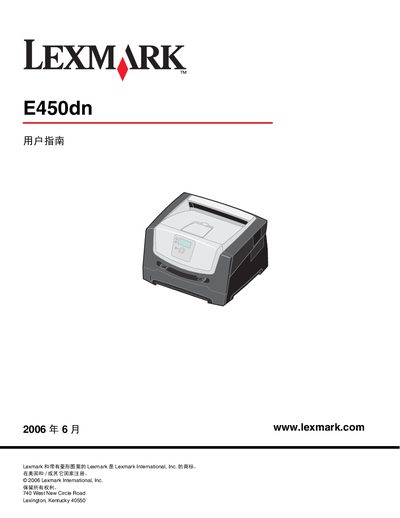
Lexmark E450dn Printer User Manual
This manual introduces the Lexmark E450dn laser printer, describing its basic configuration, control panel layout, and available media options. It covers how to load paper, use optional accessories such as the 550‑page tray, and connect the printer via USB, parallel or Ethernet interfaces.
Later sections detail routine maintenance, how to clear paper jams, adjust settings like panel brightness and power‑saving mode, and provide troubleshooting steps for common issues. Warranty and safety information are also included. This manual is written in Chinese.
Lexmark E450DN specifications
| Standard paper tray capacity | 150 sheets |
|---|---|
| Standard paper feeder capacity | 250 sheets |
| Optional high‑capacity tray | 550 sheets |
| Ethernet connectivity | Available |
Source: Lexmark E450dn User Manual
All Lexmark E450DN documents by type
Day-to-day operation, settings and troubleshooting. Start here if the product is already set up.
Questions answered in these manuals
How do I open the printer menu?
Press the Menu button (⑳) on the control panel to open the menu index.
How can I adjust the brightness of the control panel?
Use the menu on the control panel to select the brightness adjustment option and set the desired level.
How can I open the control panel menu?
Press the menu button on the control panel; this opens the function menu index.
How do I load paper into the printer?
Load paper into the 250‑sheet feeder or the standard 150‑sheet tray as described in the loading instructions.